Download any video,
from anywhere.
Supports 9 platforms · No watermarks · Free preview
Pick your platform
How to download
From link to saved file in five simple steps.
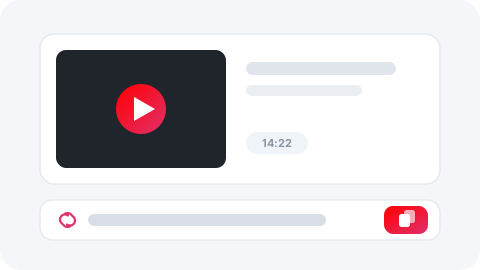
Copy the video link
Open the video on any supported platform and copy its share link.
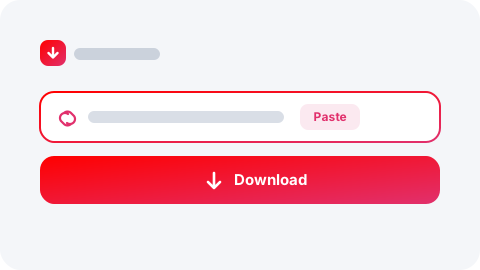
Paste it into SnapGrab
Drop the link in the box at the top — the platform is detected automatically.
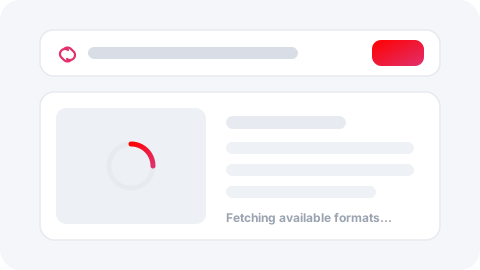
Let it fetch the formats
SnapGrab resolves the link and lists every available format in seconds.
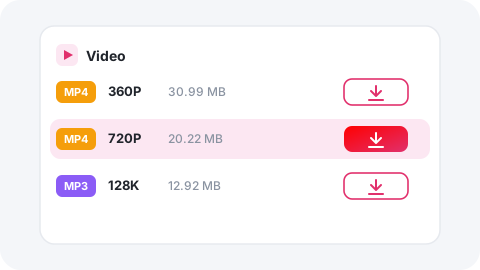
Pick your quality or format
Choose the resolution or audio format you want from the list.
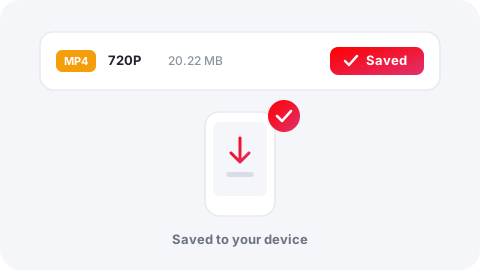
Download & save
Tap download and the file saves straight to your device — no watermark.
Why SnapGrab
Built for fast, clean downloads — nothing else gets in the way.
Free forever
No fees, no trials, no accounts.
No registration
Paste a link and go — that's it.
Fast processing
Links resolve in seconds.
Secure downloads
Files come straight from the source.
No watermarks
Clean originals, nothing added.
Up to 4K quality
Grab the best quality available.
Any device
Phone, tablet or desktop browser.
Unlimited saves
Download as much as you want.
Supported Platforms
SnapGrab supports many popular media platforms and social websites — here's what you can save from each.
YouTube Downloader
youtube.com
Instagram Downloader
instagram.com
Facebook Downloader
facebook.com
TikTok Downloader
tiktok.com
Pinterest Downloader
in.pinterest.com
LinkedIn Downloader
in.linkedin.com
DailyMotion Downloader
dailymotion.com
Reddit Downloader
reddit.com
Vimeo Downloader
vimeo.com
Take SnapGrab everywhere
Save videos in one tap with the upcoming browser extension and mobile app — same downloader, zero extra tabs.
Frequently asked questions
Everything you need to know before hitting download.
Is SnapGrab really free?
Yes — every download is free, with no account, no limits and no hidden fees.
Which platforms can I download from?
Nine platforms: YouTube, Instagram, Facebook, TikTok, Pinterest, LinkedIn, DailyMotion, Reddit and Vimeo — each with its own dedicated downloader page.
What quality can I download in?
Up to 4K for video and high-bitrate MP3 for audio, depending on what the source platform provides.
Do downloads have a watermark?
No. SnapGrab saves the original file without adding any watermark or branding.
Do I need to install anything?
No — everything runs in your browser. A browser extension and mobile app are coming soon for one-tap saving.
Is it legal to download videos?
Download content you own, content shared with the creator's permission, or media under a permissive licence. Always respect each platform's terms and local copyright law.